Your spreadsheet knows your machines. We start from it.
Send us the sheet and Zoidii builds your assets and PMs from it.Your crew logs by scanning the machine and saying what they did.
The spreadsheet isn’t the problem.
A maintenance tracking spreadsheet is often the best record a site has. Someone built it, kept it going, and it knows every machine. You’re not alone, either: 22% of small and mid-size teams track their maintenance in spreadsheets.
The trouble is that only one person can keep it current, and nobody at the machine can see it. So we don’t ask you to throw it out and start again. We bring your sheet in as it is, then make logging a repair easier than telling the office.
Where the spreadsheet stops.
One owner.
One person keeps the sheet up to date. When they’re off, so is the sheet, and the crew’s work only gets in if they report it back.
Not at the machine.
The history is in the file, back in the office. The tech fixing the press can’t see what was done to it last time.
PMs in a tab nobody opens.
Due dates sit in a column until someone remembers to check. Nobody gets told when one slips.
Your sheet becomes your system.
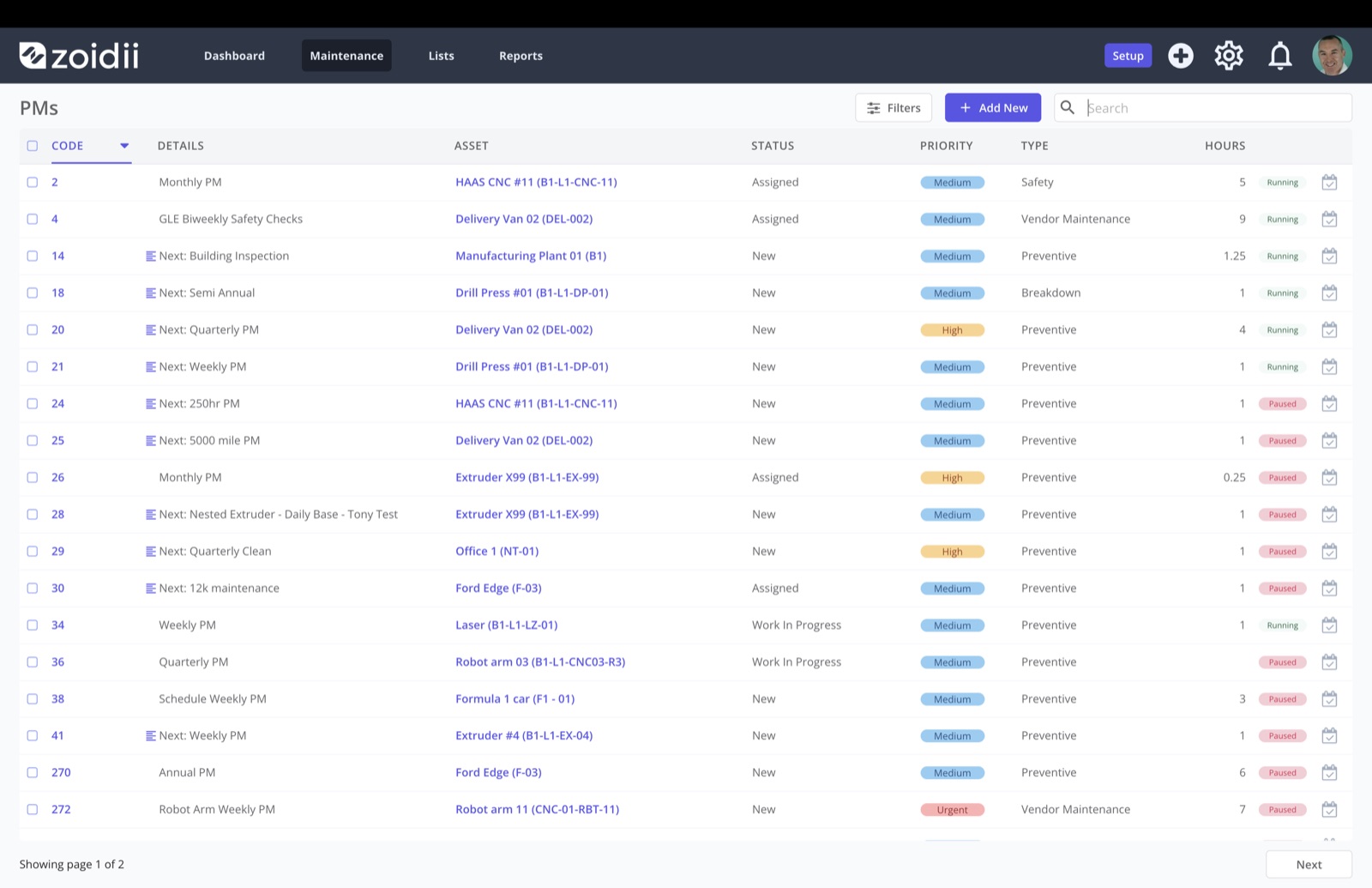
Send it as it is, in any layout, with your own column names. We bring it in: asset IDs and names become assets, locations become your site, PM intervals become schedules, and repair history comes across with them.
Something not in the sheet? Snap a photo of the machine and Zoidii fills in its details and PMs.
Then the crew logs. Scan it. Say it.
Once your machines are in, the sheet stops being the record. A tech scans the QR tag on the machine and says what they did. Zoidii writes the work order against the right asset, with its history right there.
Nobody has to report back to the office, and nothing depends on one person’s memory.
What you keep.
The work that went into your sheet comes with you.
- Asset IDs and names
- Locations
- PM intervals
- Repair history
- Parts
Tricel went from an Excel PM tracker to a CMMS the floor uses.
“We used an Excel spreadsheet to track our PMs. The Excel document wasn’t 100% accurate, so tracking PMs heavily depended on key individuals’ memory.”
Tricel, on maintenance before Zoidii
Tricel makes water tanks, pumping stations and meter boxes across 15 European sites. Repairs went in paper logbooks at each asset, and PMs lived in that spreadsheet.
Nine months after going live, they wrote: “the feedback from the factory floor has been extremely positive.”
“Zoidii was our first proper CMMS with all previous maintenance management being done via an excel scheduler so the benefits we are seeing are massive.”
“After battling with countless spreadsheets and being reluctant to take on a new system, I eventually gave in and adopted Zoidii out of sheer frustration. Best decision I ever made!!”
“We have been very impressed with their onboarding process and how easy it was to get transitioned from our manual processes to their cloud platform.”
4.8 / 5 on Capterra, from 46 maintenance team reviews. Read them all
Questions from spreadsheet teams.
Do my column names matter?
No. Send the sheet as it is. We match your columns to assets, locations, PM intervals and history, whatever you’ve called them.
Is a spreadsheet ever enough?
If one person does all the maintenance and logs it themselves, a spreadsheet can work. Once several people do the work, a maintenance tracking spreadsheet only holds what gets reported back to whoever owns it. Zoidii lets each tech log their own work at the machine, so the record stays whole.
What about machines that aren’t in the sheet?
Snap a photo of the machine. Zoidii fills in the asset details and PMs.
Will my crew need training?
We train them at the machine, on your equipment. Logging is scan the tag and say what you did.
How much does it cost?
See pricing for the current plans.